Check Minecraft mods for RATs before you launch them.
Drop a .jar into the list below. RatChecker reads its bytecode on your device and shows what the mod really does: token theft, webhooks, downloads that run programs. The mod is never run and never uploaded.
Scanner
Same rules as the app. Click a row to see what was found.
Checked on this device. The only things sent anywhere are fingerprints: the file's SHA-1 to Modrinth, to see if it is the real published file, and for a risky file its SHA-256 to RatChecker's list of known malware. No scanner catches everything, so don't treat a clean result as a promise.
See it in one minute
A mod someone sends you, what it hides, how Guard stops it, and what the app shows you.
Plays from YouTube. Nothing loads from YouTube until you press play.
What a report shows
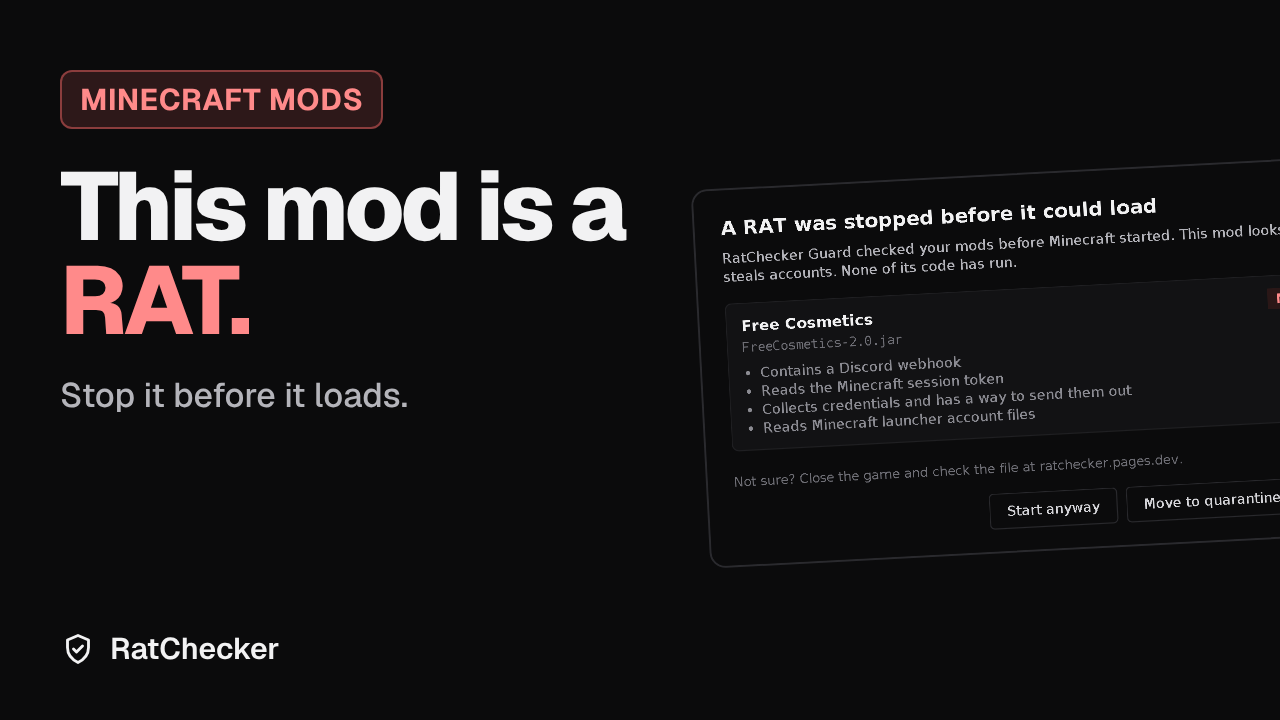
This is RatChecker's report for one of its test samples, a fake "free cosmetics" mod. Every finding points to the class and line that triggered it, and hidden strings are shown decoded.
The Windows app
The browser check only sees the jars you drop in. The app sits in the tray and checks mods as they arrive. These are its real settings.
RatChecker for Windows
- File
- RatChecker-setup.exe
- Needs
- Windows 10 or 11, 64-bit. Java is included.
- Price
- Free. No account, no ads.
- Checksum
- SHA-256 of the installer, to check your download.
- Windows
- The installer isn't code-signed yet, so Windows may say "Windows protected your PC". Click More info, then Run anyway.
RatChecker Guard for Minecraft
- What
- A client mod that checks every mod in your mods folder before the game loads it, and stops the game if one is a RAT.
- Needs
- Fabric Loader 0.15 or newer, Minecraft 1.21 to 1.21.11. Fabric API is not needed.
- Network
- None. Nothing is uploaded.
Questions
- Is my mod uploaded?
- No. The check runs in your browser. Only fingerprints leave it: the file's SHA-1 goes to Modrinth, so it can say whether this is the real file, and a risky file's SHA-256 goes to RatChecker's list of known malware, so you see if someone already found it and the next person is warned. Switch off "Check online" to skip both.
- Does Clean mean safe?
- It means nothing known was found. New or well-hidden malware can get past any scanner, and a safe mod can get flagged for doing unusual things. Get mods from Modrinth or CurseForge, and be careful with jars people send you on Discord.
- A mod I trust got flagged
- Some real mods download updates or start programs, which RATs also do. Open the row to see what was found and where. In the app you can mark it as safe and it won't ask again.
- Why does Windows warn me?
- Windows shows "Windows protected your PC" for programs that aren't signed with a paid certificate yet, and RatChecker isn't. It doesn't mean Windows found anything. Click More info, then Run anyway. Only download RatChecker from this website.
- Can it stop a RAT inside Minecraft?
- Yes, with RatChecker Guard. Put it in your mods folder and it checks every mod before Minecraft loads it. If one is a RAT, the game stops before that mod's code runs.
- I already ran a bad mod
- Run PC Check in the app. From another device, change your Microsoft, Discord and email passwords, sign out of all sessions, and turn on two-factor login.